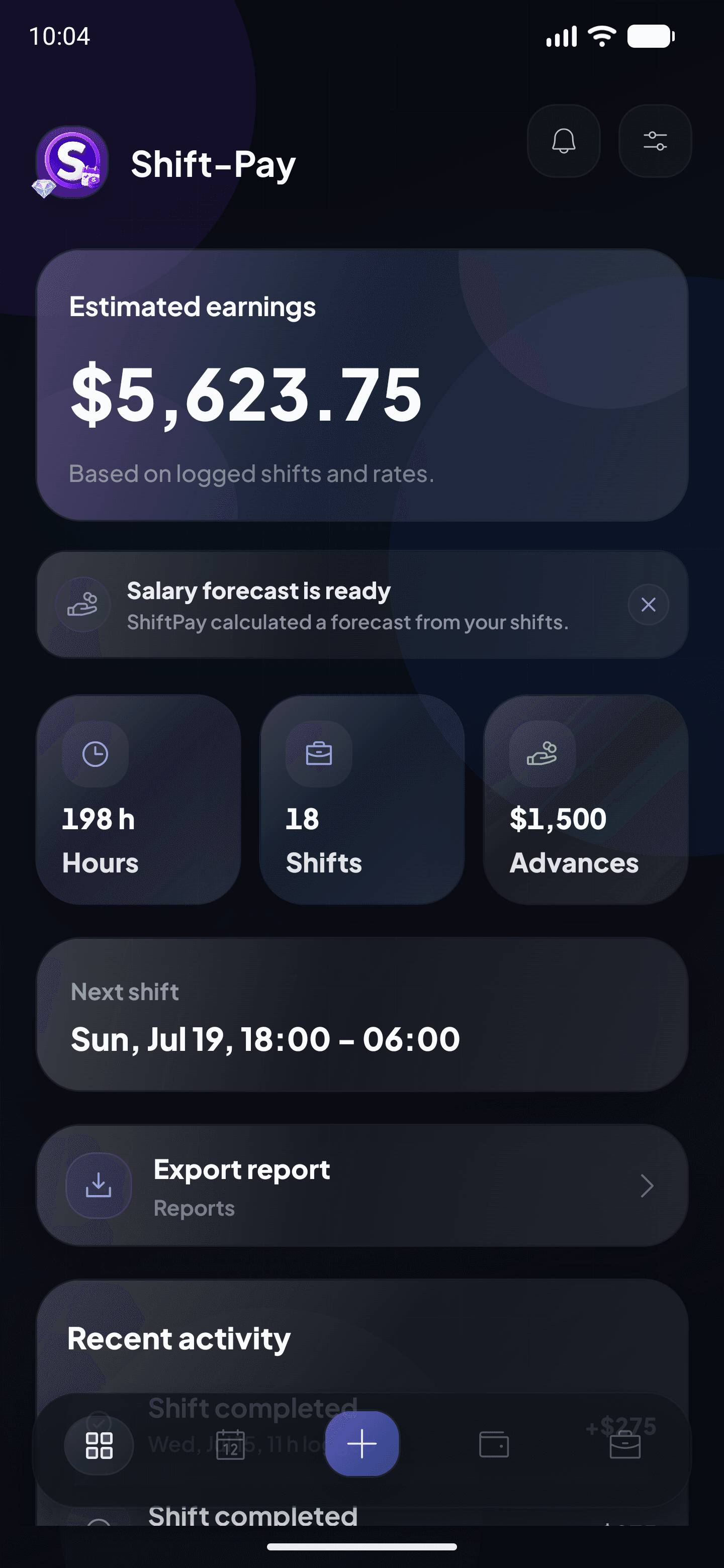
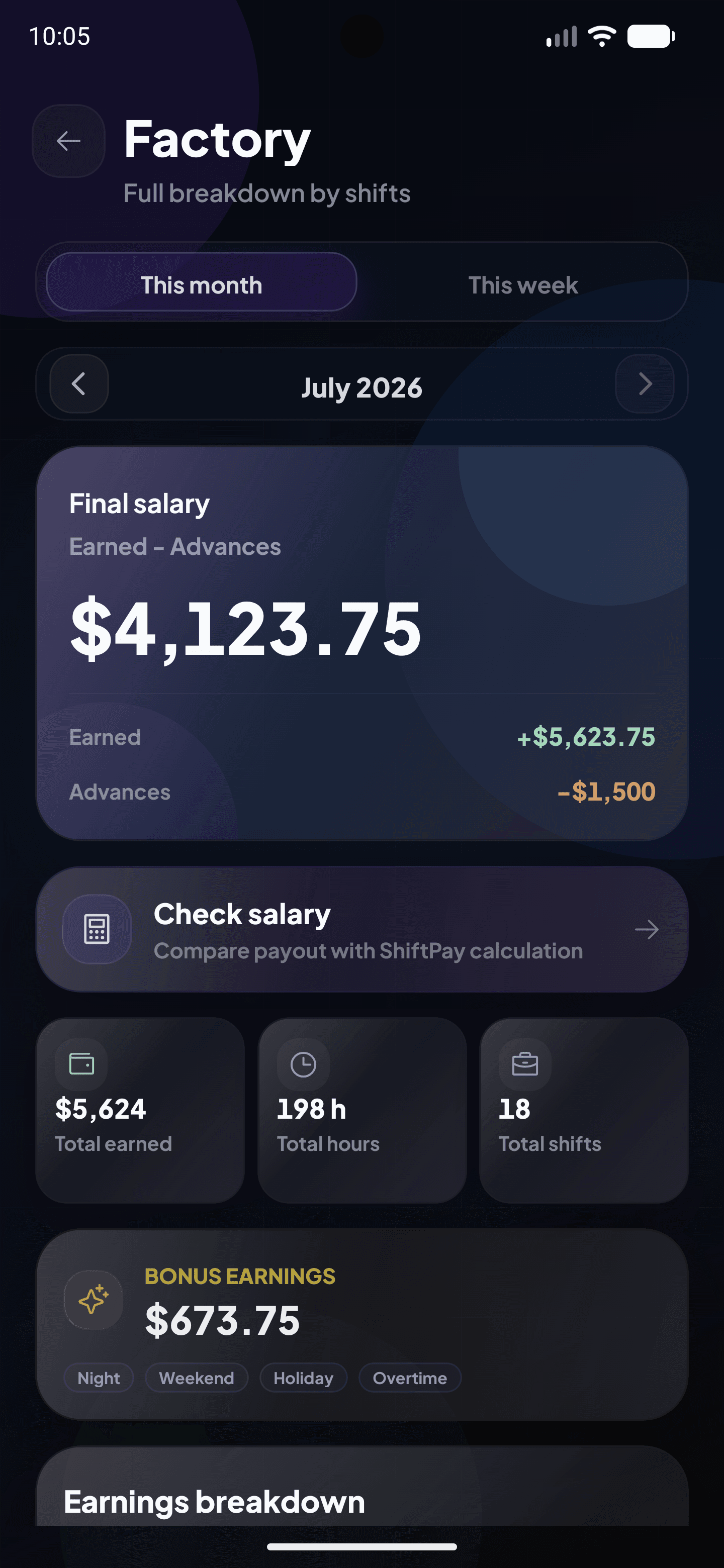
Clear shift tracking
Keep every shift in one place without notes, memory or spreadsheets.
Your work. Your numbers. Full control.
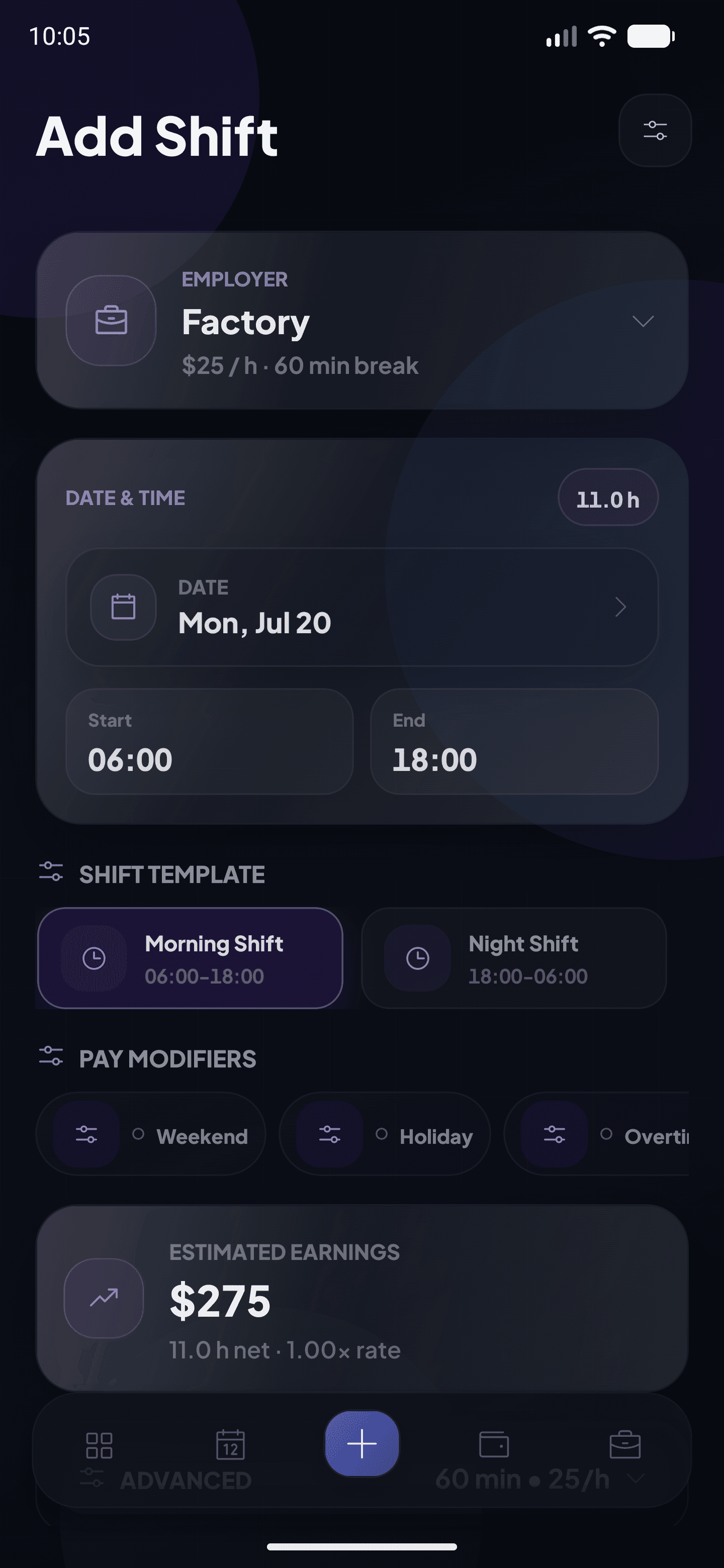
Add shifts, hours, extras and advances. Shift-Pay automatically shows your expected earnings.


Built for real work schedules
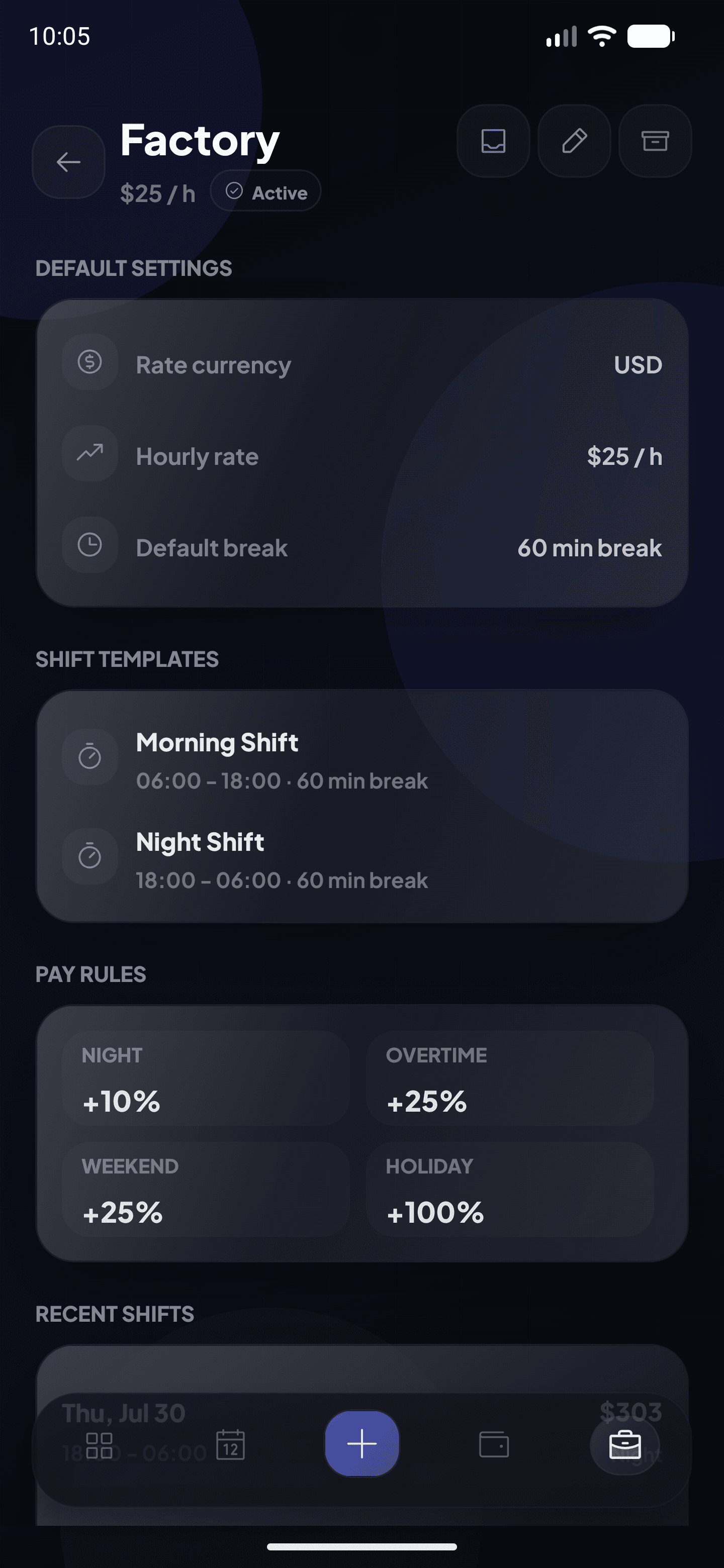
Shift-Pay helps hourly workers keep a personal record of shifts, rates, advances and expected payments.
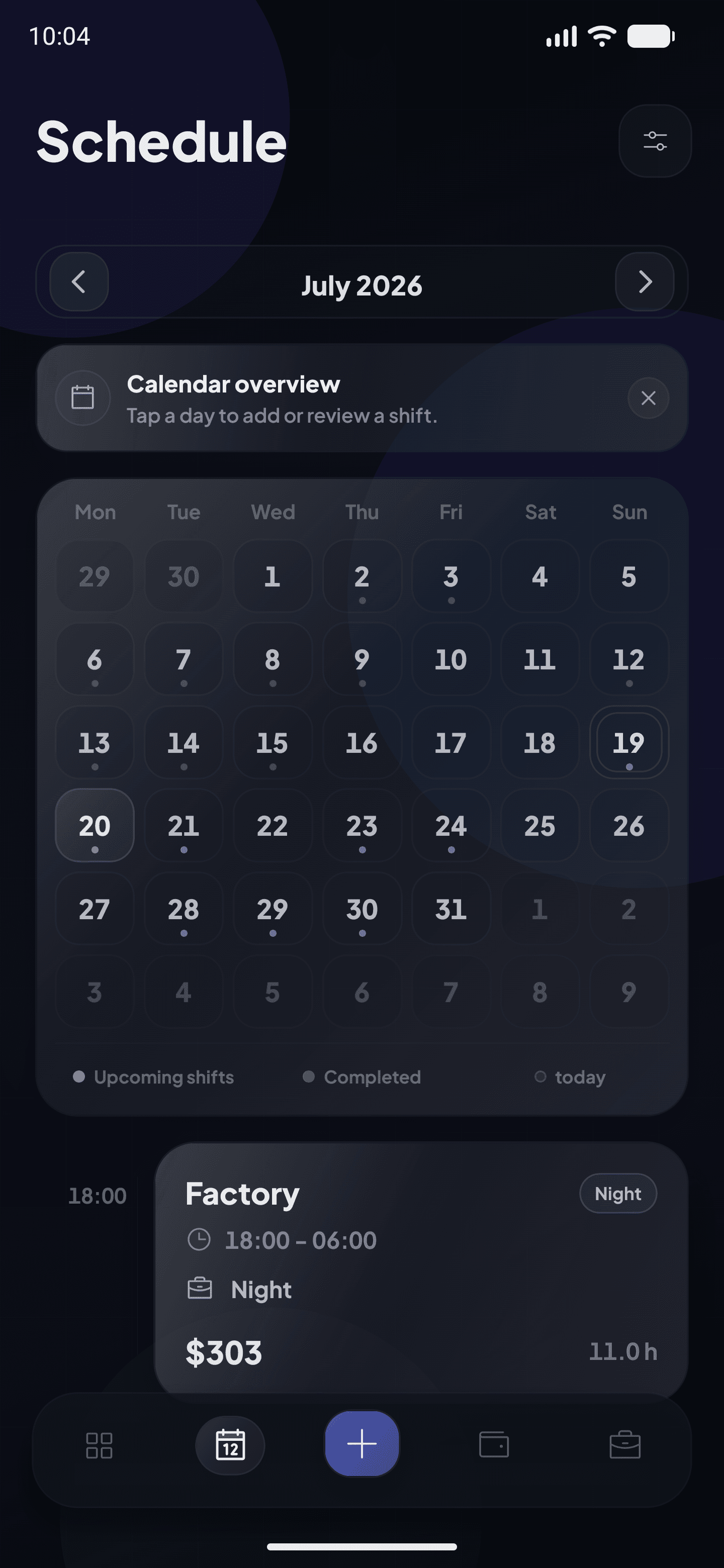
Keep every shift in one place without notes, memory or spreadsheets.
See an estimate based on your saved shifts and hourly rates.
Compare your own records with your actual pay and spot discrepancies sooner.
Set up your pay once, add each shift and follow the preliminary result throughout the pay period.
Set up
Choose the date, working time and shift type.
Refine
Night hours, weekends, holidays, bonuses and custom premiums.
Record
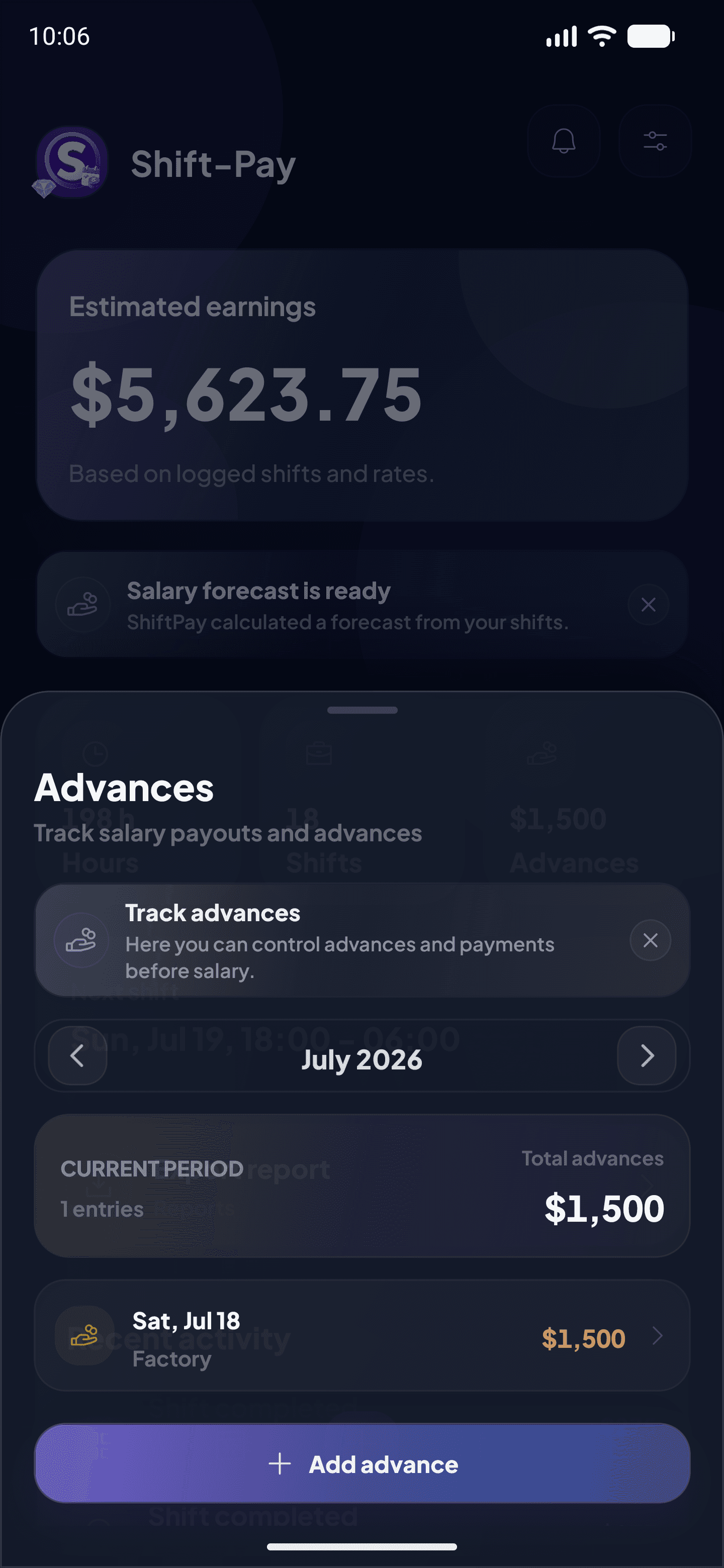
Shift-Pay includes money already received in the final calculation.
Control
All hours and extras combine into one clear result.
A simple habit after every shift keeps your expected pay up to date.
Record when you worked and how many hours should be counted.
Keep your rates, workplaces and advances together in context.
Use your own records to understand what your next payment should be.
Find a quick answer or contact the Shift-Pay team.
Open the calendar, choose a date, then add the start time, end time and shift type.
Set the rate for a workplace and Shift-Pay will use it in preliminary calculations.
Record the amount in the current period and Shift-Pay will include it in the remaining total.
Shift-Pay provides a preliminary calculation from your entries. Actual pay may include taxes, rounding or employer adjustments.
Manage the subscription in the App Store or Google Play settings for your account.
We use data only to provide Shift-Pay features and explain how it is processed.
Shift-Pay handles the calculations so you can focus on work and your own plans.